Mark books as borrowed
Save the return date with the book, whether it came from a public library, school, or a friend.
 Baby Book TrackerExplore the app
For library days and bedtime stories
Baby Book Tracker keeps borrowed books, due dates, and every read-aloud session in the same family library.
No account required. Free for up to 3 books.
A better record than a due-date slip
Save the return date with the book, whether it came from a public library, school, or a friend.
Choose a reminder for a borrowed book so the due date does not get buried in a calendar or email.
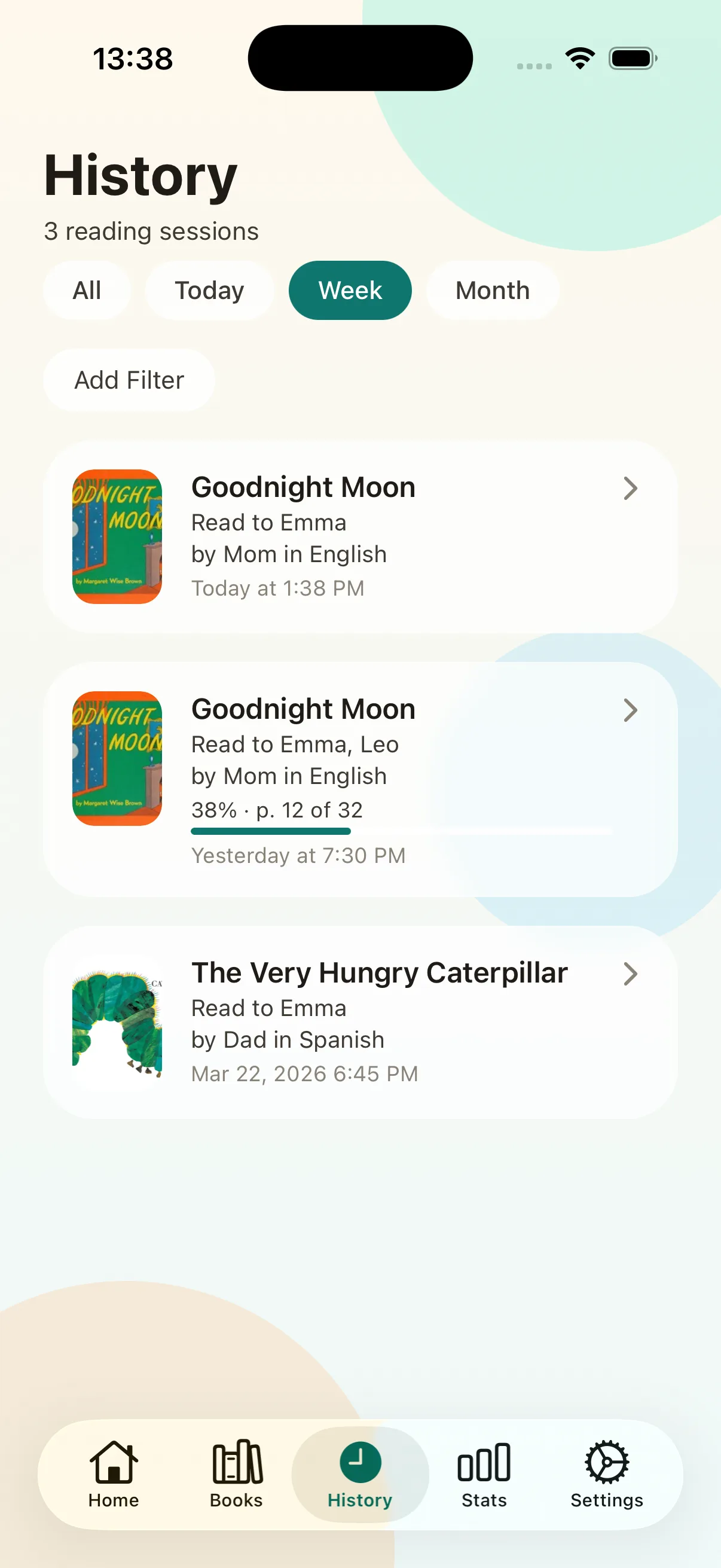
Log each story time before the book goes back, including the child, reader, language, and date.
One family book library
Use the camera to read an ISBN or add a book manually. Baby Book Tracker keeps the cover, author, ISBN, and your family’s reading history in one place. A borrowed book can stay in your record after you return it, so the next library visit starts with more than a vague memory of a blue cover.
This is a reading log, not a public library catalog. It helps a family remember its own books and reading sessions.
Yes. Mark a book as borrowed, add its return date, and keep it with the rest of your family library.
Yes, when you set a return reminder and allow notifications on your device.
Yes. Look up available public metadata from an ISBN, or add and edit the book yourself.